
PrimeNEST is true-shape nesting software built for fabrication shops. Import your DXF files, hit nest, and send optimized sheets to your laser or plasma table — in minutes, not hours.
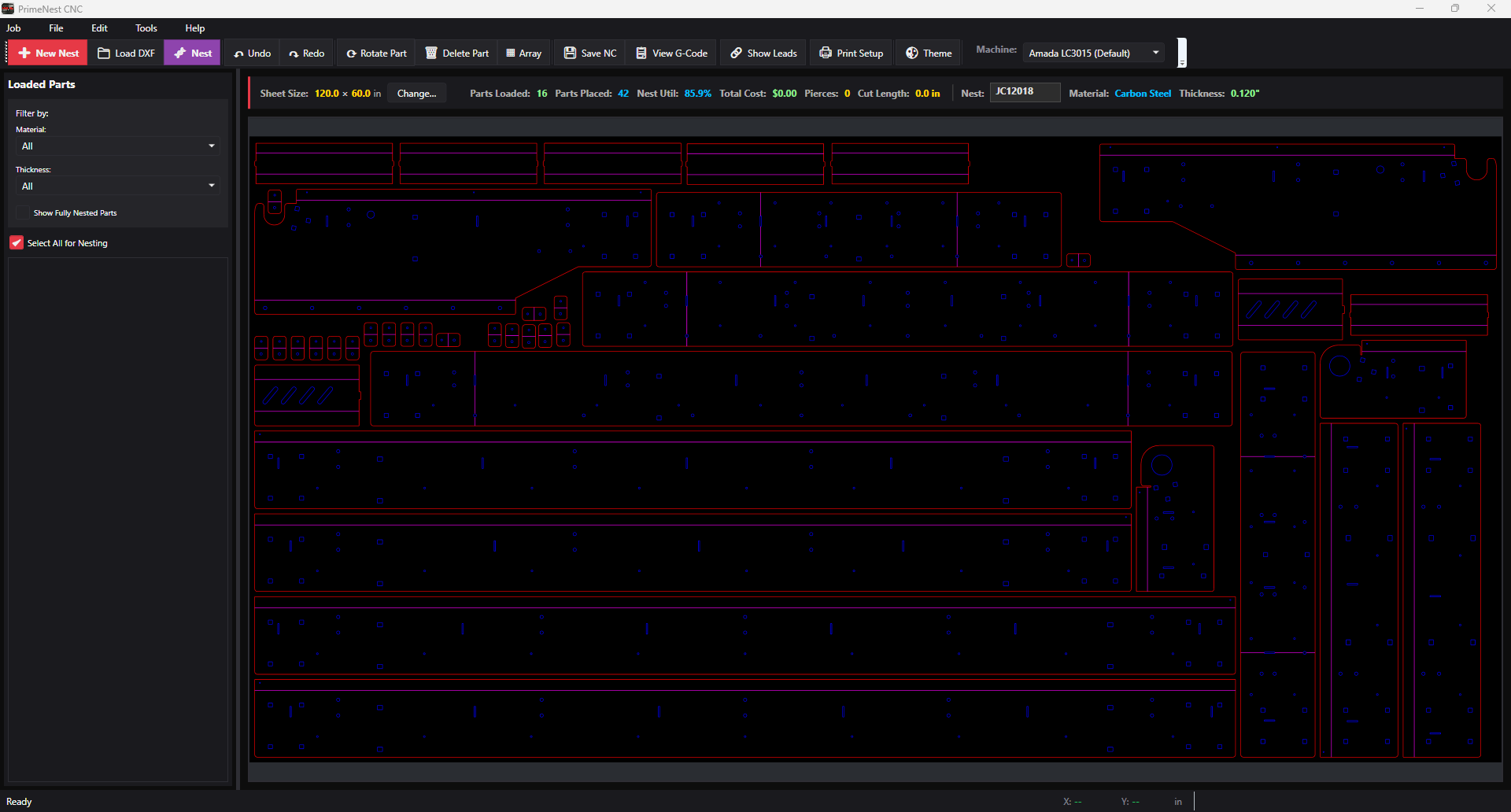
Everything between a folder of DXF files and a cut-ready sheet, without the enterprise-software overhead.
Load DXF files and tag them in the Part Metadata Editor — material, thickness, quantity, and customer job. Batch-assign across the whole list, and anything still missing data is flagged before you nest.
The true-shape engine packs parts tight using the part spacing set for that material and thickness. Utilization, pierce count, and cut length update as the nest builds.
Save NC or review the G-code first. Each machine gets its own profile, so the output matches the control on your floor — not a generic dialect you have to hand-edit.
Scrap is the most expensive thing on your floor, and every point of utilization you recover is material you already paid for. PrimeNEST tracks both sides of it: how tight the nest is, and what the job actually costs.
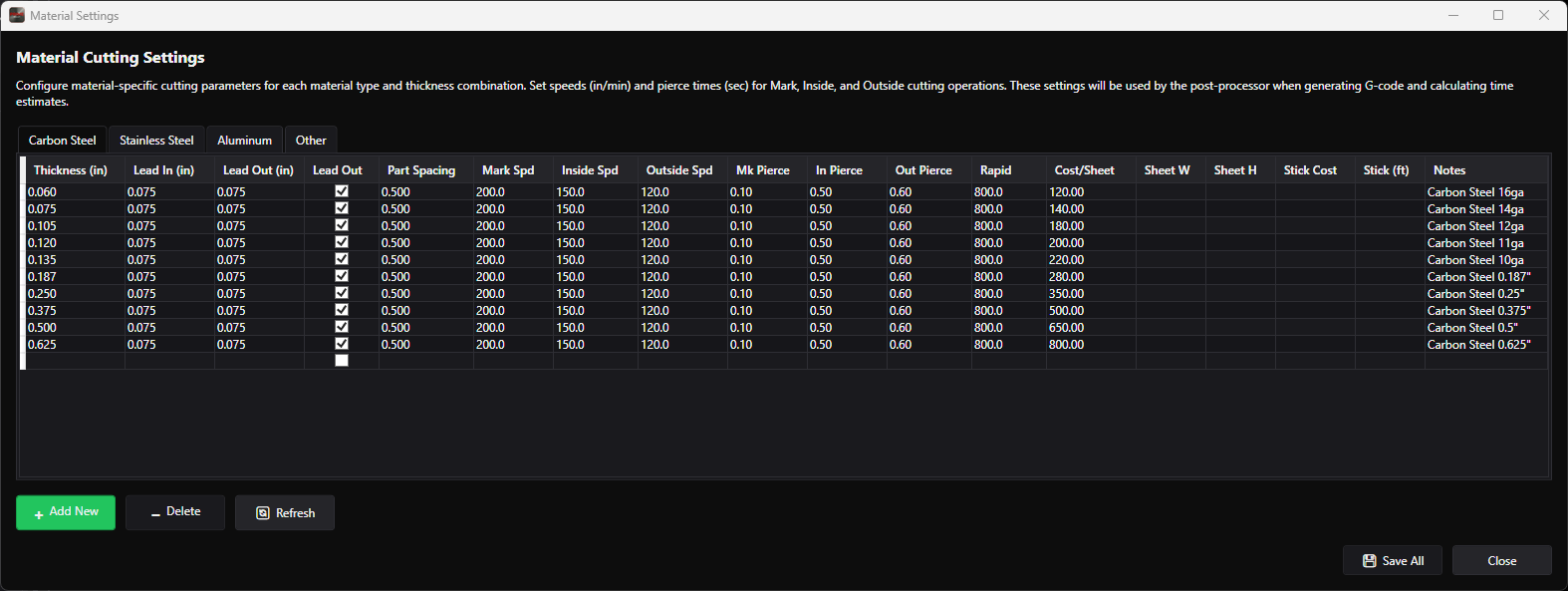
Cutting parameters are stored per material and per thickness — speeds, pierce times, lead-in and lead-out, part spacing, and cost per sheet. Set them once and every nest that uses that combination prices itself.
Start with the core nesting package and add the modules you actually need.
Cut channel, tube, and angle on your laser bed. Handles the layout and fixturing rules that flat-sheet nesting can't — so structural work runs through the same machine and the same software.
Learn more →
Point PrimeNEST at a watched folder. Drop DXF files in from CAD or a customer email and they import themselves — no opening dialogs, no manual file picking.
Learn more →
High mix, low volume, new parts every day. Quote faster and stop hand-laying sheets for one-off jobs.
Running laser and plasma side by side. One nesting workflow that feeds both tables.
Repeat production with predictable material draw. Save job lists and re-nest on demand.
Send us a handful of your DXF files and we'll show you what the nest looks like — and what the utilization number comes out to.